A/B testing on Shopify: Rollouts, apps and what to measure
How A/B testing on Shopify works: native Rollouts experiments, plan requirements, what they measure, checkout limits, price test risks and apps.
11 min read

A/B testing on Shopify now works in two ways. You can use Rollouts, the feature Shopify built into the admin, or a testing app from the Shopify App Store.
Rollouts can show a theme, a checkout and accounts configuration, a catalog or a discount to part of your visitors. It then compares that version with the current one. An app covers what Rollouts doesn't, such as revenue and average order value, or template and URL tests.
Shopify is changing this area quickly, so every fact in this guide comes from Shopify's own Help Center, changelog and developer documentation. Each one was checked on November 2, 2026.
The general logic of A/B testing, including the hypothesis and metric choice, is the subject of the complete A/B testing guide. This one covers what is specific to Shopify.
How do you run an A/B test on Shopify?
To run an A/B test on Shopify, first decide what you will change and what you need to measure. Then pick the route that fits both.
Shopify announced Rollouts in early access with the Winter '26 Edition in December 2025. Its changelog entry of March 31, 2026 says you can run an A/B test with real traffic and review the impact on conversions.
The scope grew over the following months. June 2026 added tests of entirely different themes and of checkout configurations, and October 2026 added discounts and catalogs. That is why many guides written before 2026 still say Shopify has no native testing, or still recommend Google Optimize, which shut down in 2023.
The two routes differ most in what they measure. The table compares them based on Shopify's Help Center and the apps' own App Store listings.
Criterion: What you can test
- Rollouts (native)
- Theme, checkout and accounts configuration, catalogs, discounts
- Testing app
- Depends on the app: templates, URLs, prices, shipping, checkout content
Criterion: Plan
- Rollouts (native)
- Grow or higher for experiments
- Testing app
- Depends on the app, some tests need Shopify Plus
Criterion: Metrics reported
- Rollouts (native)
- Conversion, add to cart, reached checkout, bounce rate
- Testing app
- Most also report revenue, average order value and revenue per visitor
Criterion: Targeting
- Rollouts (native)
- No targeting by segment, customer tag or device
- Testing app
- Depends on the app
Criterion: Extra cost
- Rollouts (native)
- No extra fees, according to Shopify's product page
- Testing app
- The app's own pricing
| Criterion | Rollouts (native) | Testing app |
|---|---|---|
| What you can test | Theme, checkout and accounts configuration, catalogs, discounts | Depends on the app: templates, URLs, prices, shipping, checkout content |
| Plan | Grow or higher for experiments | Depends on the app, some tests need Shopify Plus |
| Metrics reported | Conversion, add to cart, reached checkout, bounce rate | Most also report revenue, average order value and revenue per visitor |
| Targeting | No targeting by segment, customer tag or device | Depends on the app |
| Extra cost | No extra fees, according to Shopify's product page | The app's own pricing |
The deciding row is the metrics. If you expect a change to affect revenue per order rather than conversion rate, that answer picks the route for you.
A price or bundle change can lower conversion while raising revenue. In that case, a results screen that shows only conversion can lead to the wrong call.
Native A/B testing with Shopify Rollouts
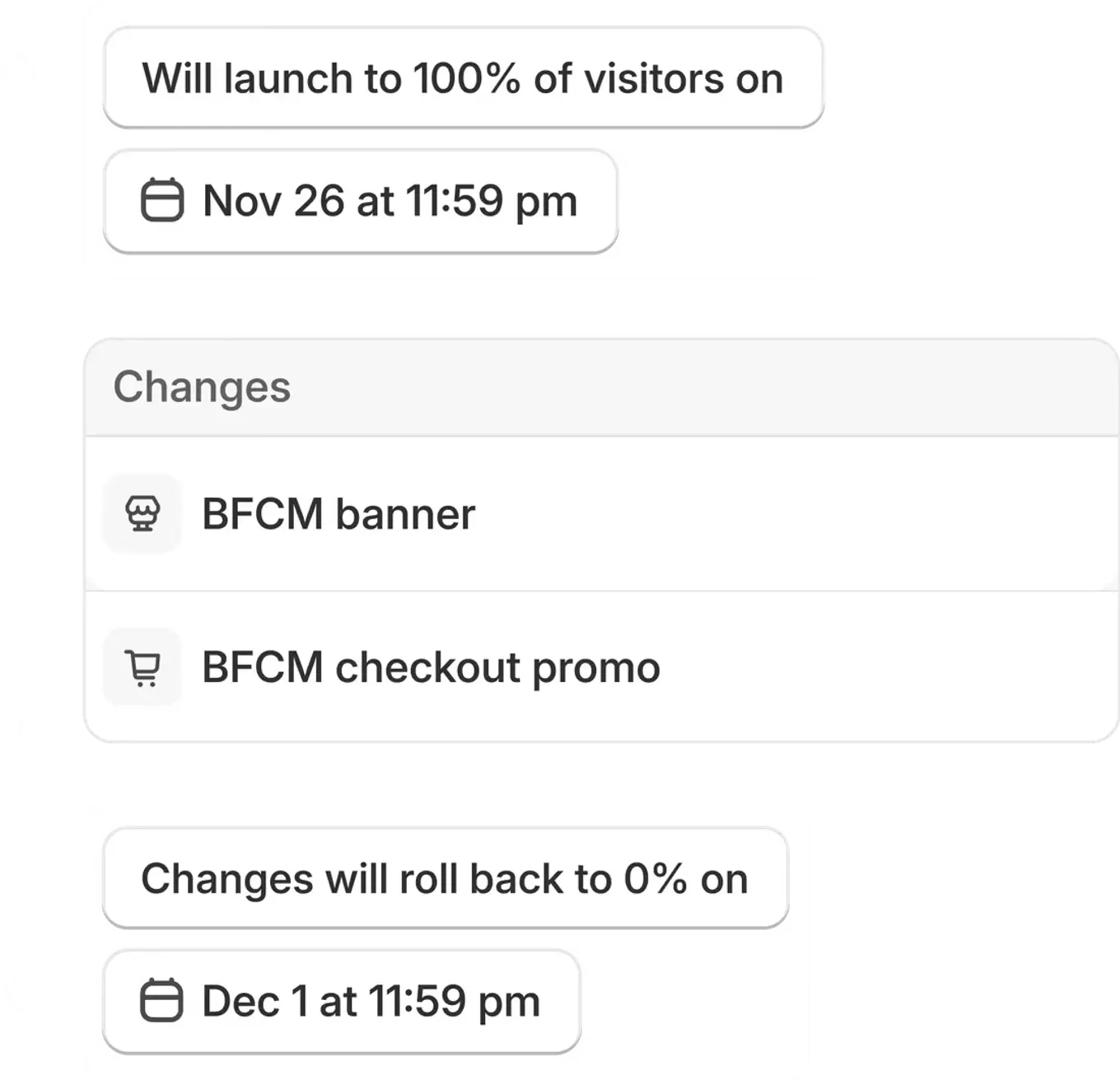
Rollouts is Shopify's native tool for Shopify A/B testing, and it lives in the admin under Markets > Rollouts. A rollout can be one of three types.
A Launch merges the changes into your store permanently. An Event publishes them for a set period and then rolls them back. An Experiment shows the changes to a subset of visitors as an A/B test.
What can Rollouts test?
According to Shopify's page on rollout types, a rollout can include the following changes. You can edit or replace the main theme, or make one change to the checkout and accounts configuration. You can also set a catalog to active or draft, and activate or deactivate existing discounts.
A rollout can hold one theme change and one discount change, and more than one catalog change. The June 2026 changelog entry adds that you can test two entirely different themes, or a new upsell block on the checkout page.
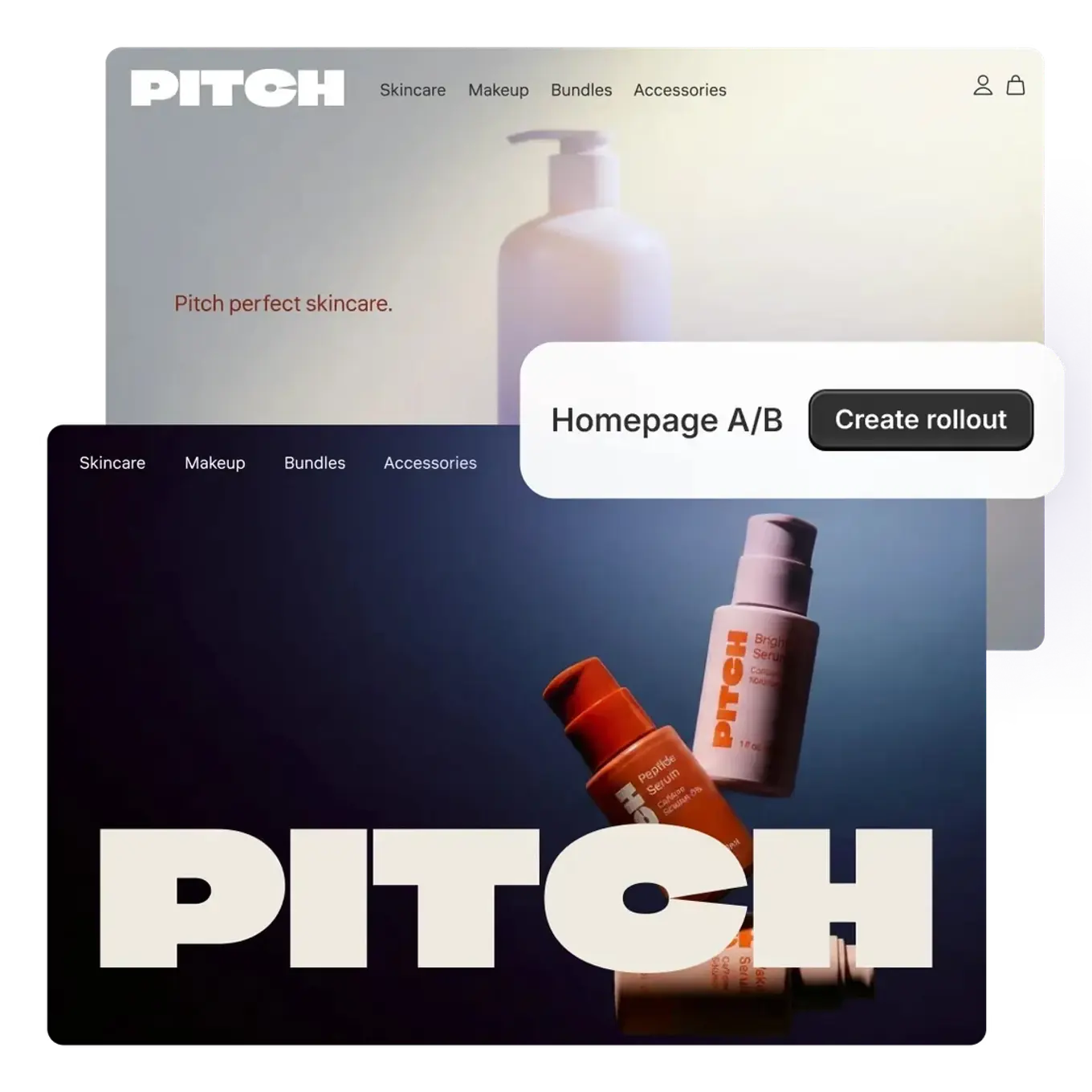
By default, a new experiment splits traffic 50% control and 50% treatment, with an end date 90 days after it starts. You can change the split with preset options or a slider. Check what that does to the run time before you change it. As the control group guide explains, a 90/10 split takes roughly three times as long as 50/50.
Plan requirements and limits
According to Shopify's requirements and considerations page, Rollouts is available on the Basic plan or higher. Experiments, the actual A/B tests, need the Grow plan or higher. A store on Basic can schedule changes but cannot split traffic to test them.
The March 2026 changelog entry said Rollouts was available on Basic and above. The current Help Center ties experiments to Grow and above, so go by the current page.
The same page lists the main limits:
- Older themes: Rollouts can't be applied to vintage themes.
- Liquid templates: You can't change Liquid templates as part of a rollout.
- Channel: Experiments apply only to the online store. Headless and custom storefront checkouts, such as Hydrogen builds, can't be tested.
- Targeting: A rollout can't target a customer segment, a customer tag or a device. Visitors are put in groups at random.
What do Rollouts results measure?
According to Shopify's rollout analytics page, theme experiments report four metrics: conversion rate over time, bounce rate, reached checkout rate and add to cart rate. Checkout and accounts experiments report one: checkout conversion rate. The experiment tables do not include revenue, average order value or revenue per visitor. You can't customize the metrics, and you can't filter results by device or country.
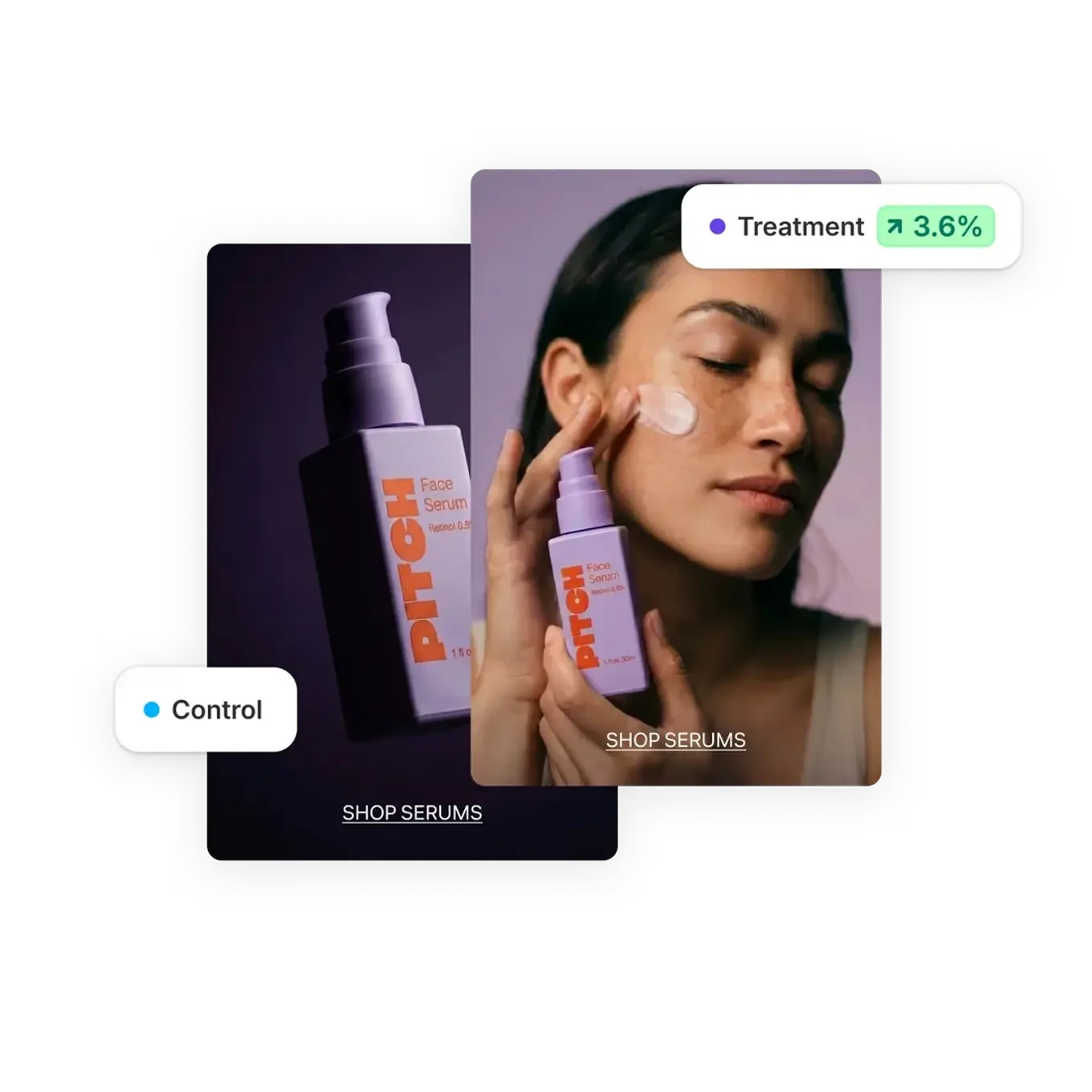
The counting rules matter when you read a result. Every visitor gets a group, but only visitors who consent to tracking are counted in results. Bot traffic isn't counted. A visitor who sees both versions in the same browser is left out of the results.
Your theme and apps can't read which group a visitor is in, so you can't pass the variant to another analytics tool such as GA4. Shopify's product page says results come with statistical analysis and confidence metrics, but the Help Center does not describe the statistical method. Ask the questions in the guide to statistical significance in A/B testing when you interpret the result.
Where testing apps fit
When do you need a testing app? When you want to test or measure something Rollouts doesn't cover.
Typical cases are seeing revenue and average order value and comparing Liquid templates or separate URLs. Others are splitting visitors by device or segment and sending the variant to your own analytics tool.
Shopify's own A/B testing article from May 2026 also points to Rollouts for theme tests. For other tests, it points to tools such as Intelligems, Shoplift or Optimizely.
The App Store has no separate A/B testing category. Testing apps are listed in categories such as Pricing optimization with an A/B testing tag.
Their scope differs according to their own listings. Shoplift describes itself as a conversion rate optimization (CRO) platform for Shopify Plus and lists page, template, URL and price tests. Intelligems lists tests of prices, content, shipping, discounts, checkout and post-purchase offers. ABConvert, which carries Shopify's Built for Shopify badge, states that checkout content, cart and upsell tests require Shopify Plus.
These are the apps' own descriptions, not a ranking. The comparison of the best A/B testing tools covers the tool types more broadly.
Technical checks when choosing an app
Check how an app adds itself to your theme. Shopify's App Store requirements say apps that modify a theme must use theme app extensions. They also say neither the app nor the merchant should make code changes to the theme.
Shopify is also retiring script tags. Since October 1, 2026, apps can't create or update script tags. On March 1, 2027, Shopify will stop injecting them into storefronts. An app that still relies on script tags may break after that date, so check that it works through an app embed block.
Speed needs its own check. One of the Built for Shopify requirements is that an app must not reduce the storefront's Lighthouse performance score by more than ten points. But that rule applies only to badged apps.
After you install an app, look at Shopify's web performance report. It is based on real user data from the past 30 days and shows how changes such as app installations affected each metric over time.
A/B testing the checkout
Shopify's checkout can no longer be changed by adding code. According to Shopify's changelog, checkout.liquid customizations stopped working on the information, shipping and payment steps on August 13, 2024. According to the developer documentation, checkout.liquid and additional scripts were sunset for the Thank you and Order status pages on August 28, 2025. Script tags on those pages stopped on August 28, 2025 for Plus stores and on August 26, 2026 for non-Plus stores.
The checkout is now customized with checkout UI extensions. For the information, shipping and payment steps, these extensions are available only on Shopify Plus.
They run in an isolated sandbox without access to the page's Document Object Model (DOM). That is why the classic approach of A/B testing tools, injecting code into the page, doesn't work in checkout.
Two routes remain for testing it: comparing two checkout configurations with Rollouts, or using an app built on checkout extensions. In Rollouts, the only metric for a checkout experiment is checkout conversion rate.
Price testing: rules and risks
Price testing on Shopify is now possible through two native routes, both with limits. According to the changelog entry of October 23, 2026, Rollouts supports catalogs, and you can run experiments between catalogs on your online store. Setting a catalog to active publishes its prices and product availability. Price experiments in Shopify's own Smart Pricing app are, according to the Help Center, in early access and available only to select stores.
The biggest risk in a price test is that the test price doesn't show up outside your store. Shopify's page on reach and external channels says ads, listings, product feeds and search engines don't receive rollout information. As a result, a visitor can see one price in an ad and another in your store.
Shopify is explicit about the consequence: channels such as Google and Meta can delist products or suspend an account for mismatched offers. Before you start a price test, check which price those channels show. Also weigh how showing different prices to different customers affects trust and whether it meets the price display rules where you sell.
Measurement, SEO and traffic
The result of a Shopify test depends on how the data is collected and how the test affects search visibility. It also depends on how much traffic the store gets. Each has a few Shopify-specific details.
Customer events and consent
Shopify collects visitor behavior through customer events and web pixels. According to Shopify's developer documentation, app pixels load in a strict sandbox and custom pixels added by the merchant in a looser one. In regions where customers must consent to tracking, pixels run only after consent is given. Rollouts results also count only consenting visitors, so if your consent rate is low, the group you measure may behave differently from all visitors.
One more note: Shopify Analytics changed its session measurement on September 21–23, 2026. Shopify recommends using that update as a new baseline for conversion rate. Read any test that spans those dates with care.
SEO
Find out at the start whether a test runs on the same URL or redirects visitors to a separate one. Google's guidance on website testing asks in both cases that search engines are not shown different content from users. For tests that redirect to separate URLs, the guidance says to put a canonical on variant URLs pointing to the original page.
It also says to use a temporary 302 rather than a permanent 301 redirect when a redirect is needed. Finally, it says not to run the test longer than necessary. URL tests are usually run with an app, so these checks matter mostly on the app side.
Traffic and test duration
A store's traffic and conversion rate decide how long a Shopify test runs. The 90-day default end date in Rollouts is an upper bound, not a guarantee of enough visitors. Before you start, use the A/B test sample size calculator to work out how many visitors each group needs. Then divide that number by the store's daily traffic.
On a low-traffic store, avoid testing a small change for a long time. Testing a bolder change or doing user research first is usually more productive. The sample size guide has the details.
To set up a first Rollouts experiment, follow the Help Center steps in this order:
- Prepare the change: Create the theme, theme edit, checkout configuration, catalog or discount you want to test.
- Create the rollout: In the admin, go to Markets > Rollouts and name the rollout.
- Choose the type: Select Experiment in the rollout type menu and add the change.
- Set the split and dates: Keep the default 50/50 split and set the start and end dates from your sample size calculation.
- Read the result and decide: Once the test has run its planned length, interpret the metrics knowing they cover consenting visitors only.
Because Rollouts results show conversion metrics only, tests where you also need to see the revenue effect may call for an app. If you are looking for test ideas, the A/B test library organizes scenarios by page type.

Related tools
- A/B Test Sample Size CalculatorCalculates the required sample size per A/B test variant.
- A/B Test Significance CalculatorTests whether the difference between two variants is statistically significant.
- A/B Test LibraryA structured experiment library. Each scenario keeps the hypothesis, the one variable that changes, the decision metric, guardrails and setup risks together.
What to read next
 November 14, 2026Funnel optimization: how to diagnose each step and test the fixFunnel optimization starts with lost users counted per step and weighed by later steps. Segment the funnel, then test one change against a control group.
 November 14, 2026How to increase form conversions: measure each field, fix, then testTo increase form conversions, measure which field people leave at with GA4 events, fix the problem in that field and test the change against a control group.
 November 14, 2026How to run a CRO audit: tracking, then the drop-off and its causeA CRO audit runs in order: match GA4 purchases to your orders, find the drop-off in step data, look for its cause, then turn findings into ranked tests.